It’s very easy to assume that YouTube Kids is a safe space for children - YouTube is a major platform, and it has ‘Kids’ right there in the name.
Unfortunately, that’s not always the case unless strict security settings are in place. As a former Googler - and mom - here’s three things that I wish more people knew about the platform.
1) Anyone - yes, ANYONE - can upload content that may be fed to YouTube Kids.
All you have to do for the algorithm to consider pushing a video to YouTube Kids is check a box that says that the content is intended for kids. That’s it. While there’s no guarantee that any video will get pushed to the platform, this is the only step that needs to occur on the creator’s side.
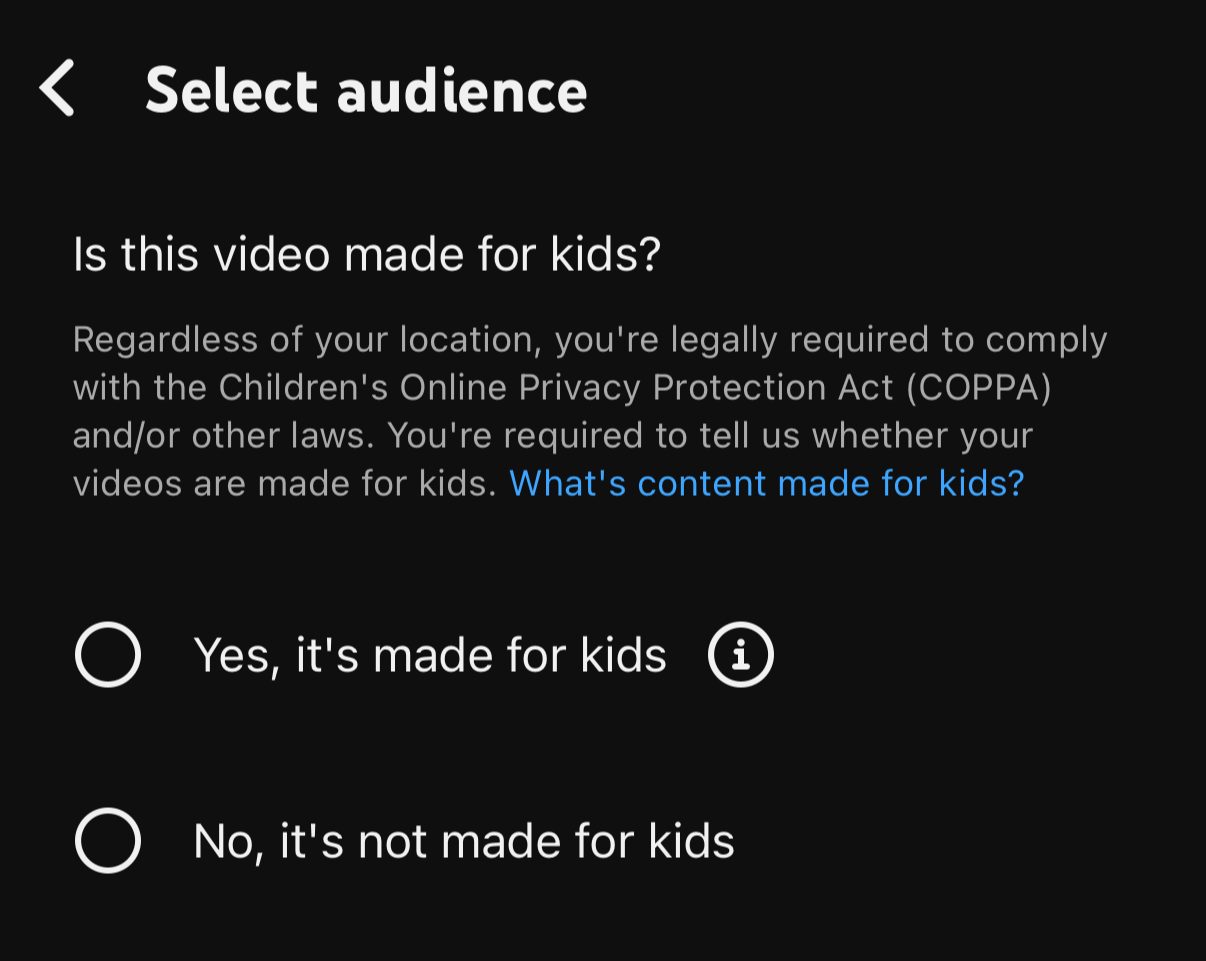
2) YouTube uses a mix of AI, human review and parental feedback to filter out inappropriate content. YouTube admits that it’s not a foolproof system.
Inappropriate content can - and does - slip through. If you do an Internet search for “inappropriate YouTube Kids videos” you’ll see some examples - from violent to sexual content. And without security measures, it’s unfortunately not uncommon. You may select an age range or a topic, but then the algorithm will start serving whatever videos it thinks will keep the child on the platform and engaged the longest.
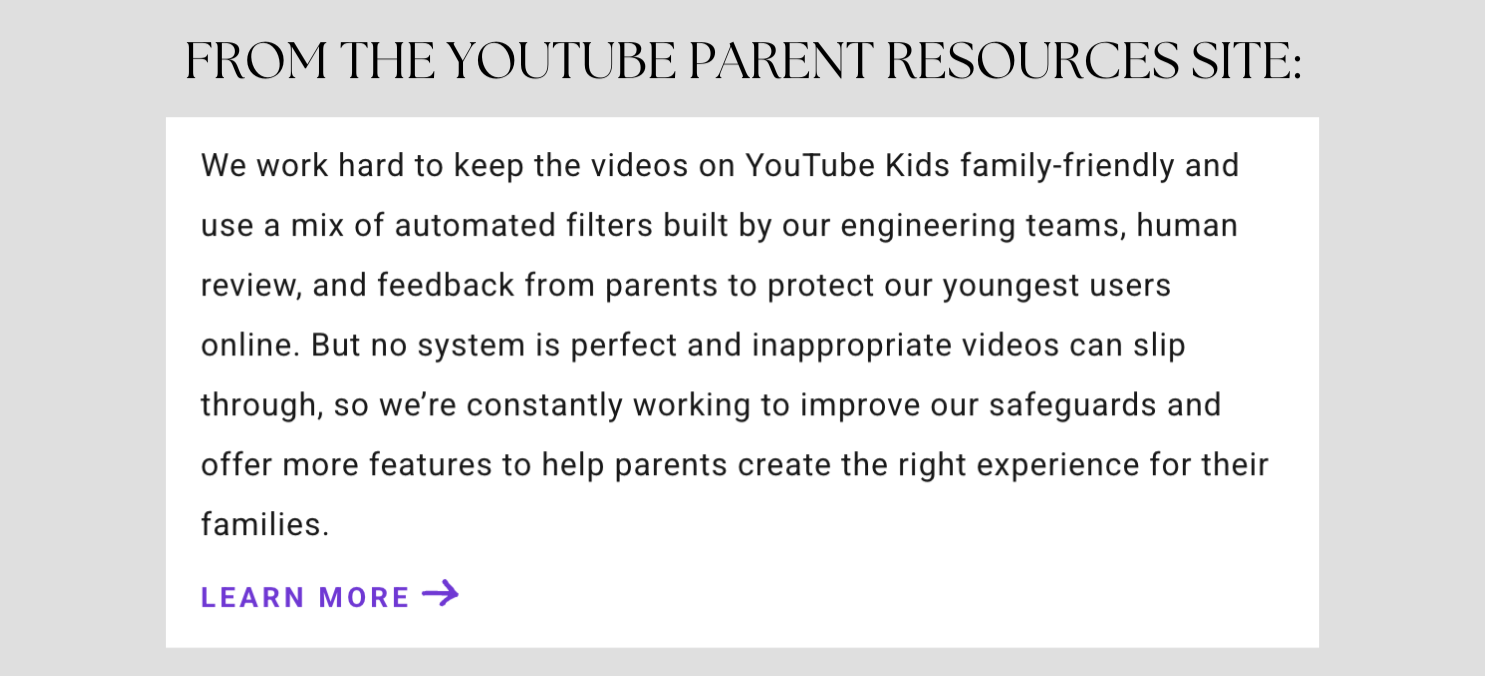
AI can only do so much - and there simply aren’t enough humans at YouTube to catch all of the inappropriate content out there. YouTube even relies on parents to report inappropriate videos:
https://support.google.com/youtubekids/answer/6130562
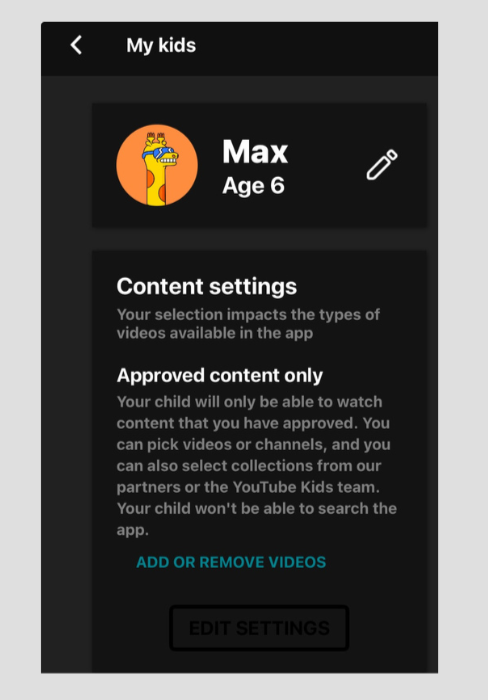
3) The safest way for a child to engage with the YouTube Kids app is for the parent to only allow “Approved Content.”
This means that your child will not get fed any videos other than what you’ve specifically approved. Here’s how to set this up:
To access the YouTube Kids content settings:
• Click the settings wheel in the upper right corner
• Enter your passcode
• You may need to sign in with your own Google account
• Click on your child’s name/icon
You’ll see “Content Settings.” This is where you can choose how stringent you’d like your settings to be.
With this security tweak, your kids will be more protected from inappropriate content. For more digital security tips, check out my resources - including my ebook Safe Kids, Smart Screens - and subscribe to get my blog posts with simple tips sent right to your inbox.